Digitize handwritten recipes
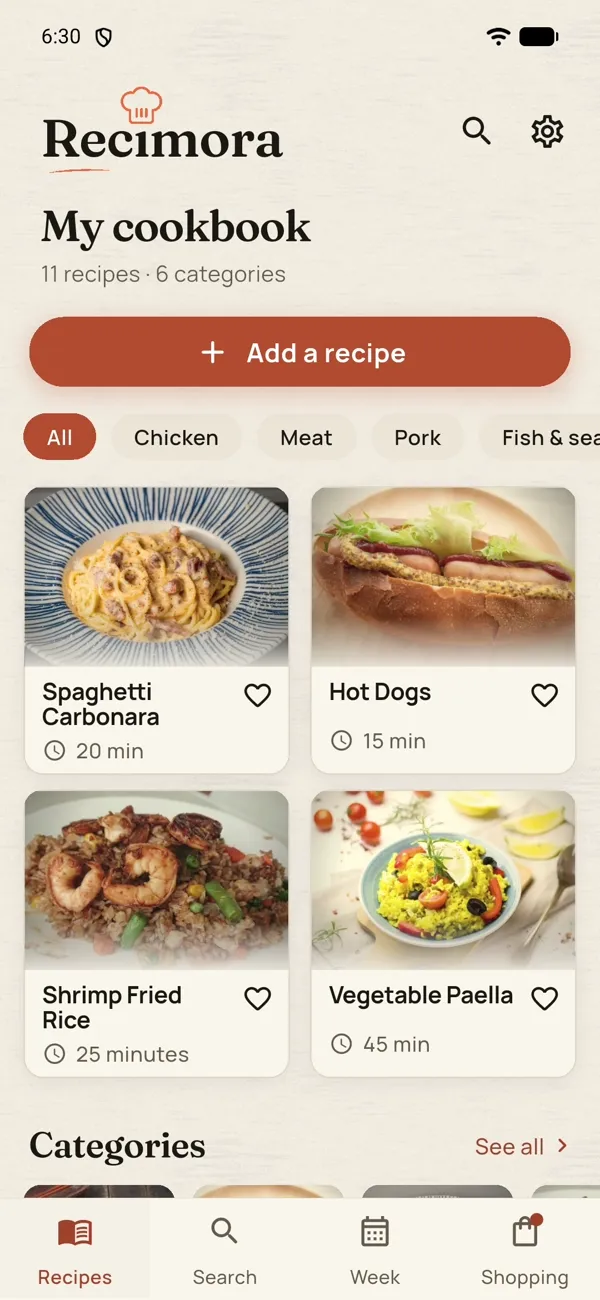
Grandma’s recipe cards, a worn cookbook or a note on the fridge? Take a photo and it becomes a real page in your cookbook – with ingredients, steps and a category, and it can never be thrown out by mistake.
How to do it
Put the recipe card or cookbook in good light and photograph the whole recipe. If it covers two pages, take two photos.
Open Recimora, tap Add a recipe and pick the photos.
Recimora reads the handwriting and writes out the recipe, filed in the right category. Check the amounts – hard-to-read numbers can come out wrong.

Recimora
Free on the App Store
All your recipes
in one place.
Automatically.
Take a screenshot of a recipe and share it to Recimora – the cookbook that writes itself.
Ad-free appFreeNo account
- Screenshot becomes recipe
- Sorts itself
- Shopping list in one tap
Scan with your phone
Frequently asked questions
Does it cost anything?
Recimora is free to download from the App Store.
Do I need an account?
No. If you sign in, your cookbook is on all your devices, but it is optional.
Are my screenshots stored?
No. The screenshot is read and not kept on our server – the recipe goes into the cookbook on your phone.
Is there an Android app?
Right now Recimora is available for iPhone.